Everyone you follow, in one list
See who's live and what's recording, and switch recording on or off for each streamer.
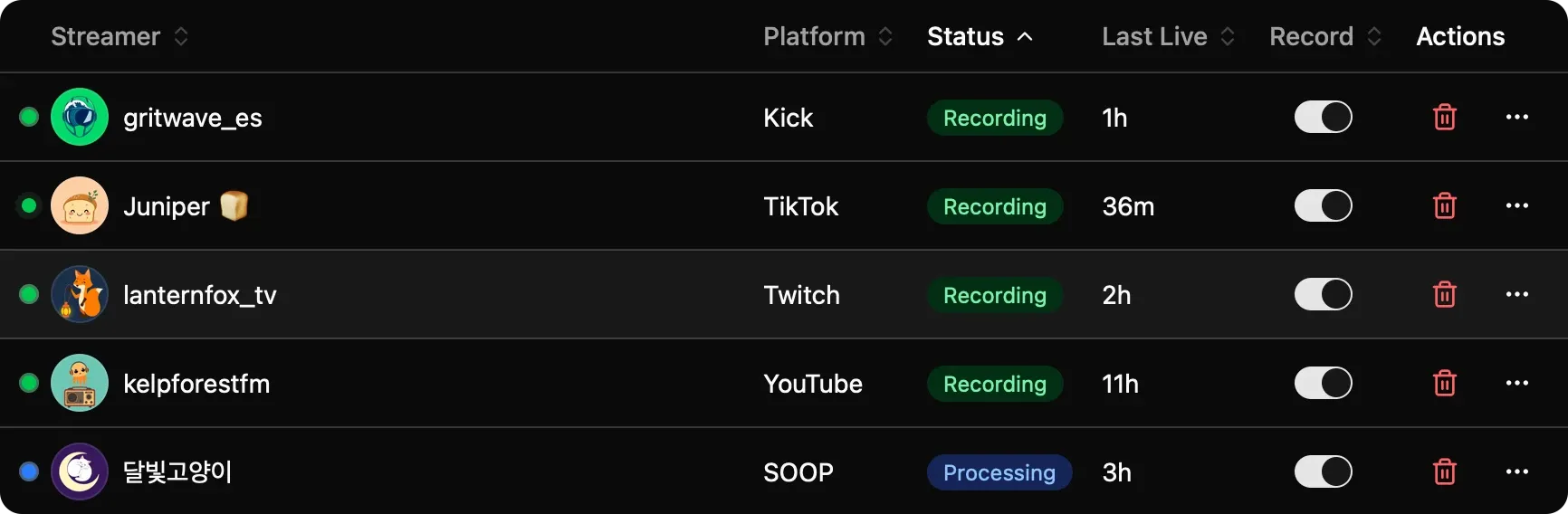
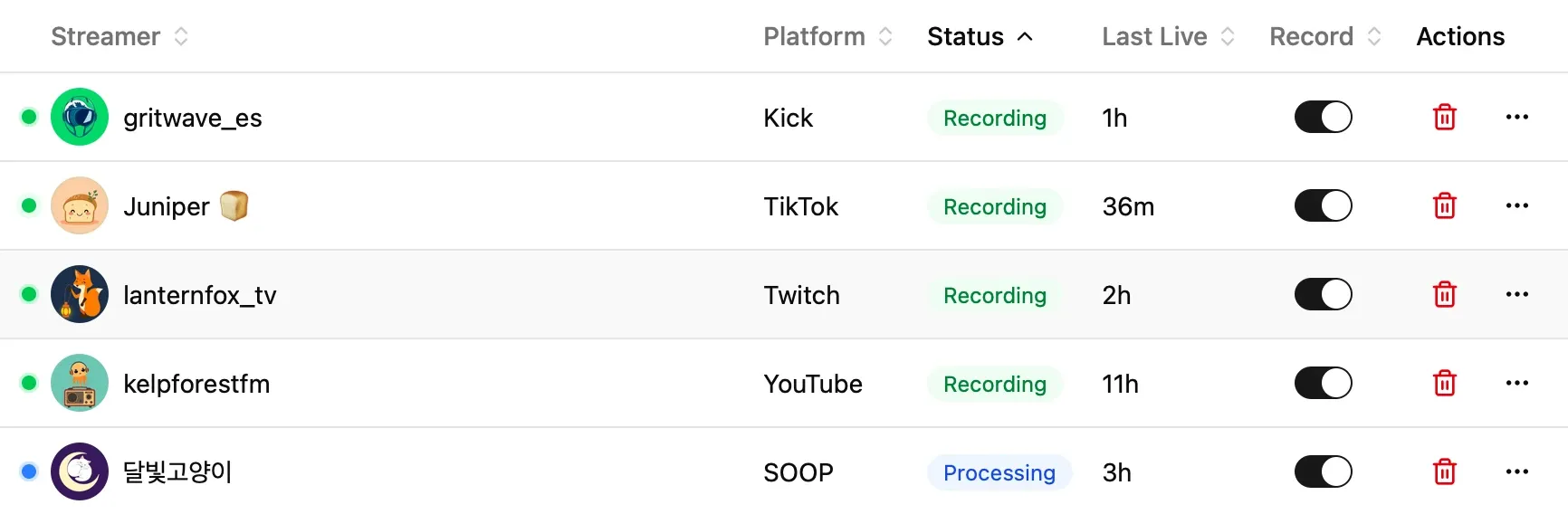
VodLabs Recorder is a free live stream recorder for TikTok, Twitch, YouTube, Kick and 50+ more platforms. Add a streamer once, and every broadcast is saved to your own computer.
For macOS, Windows and Linux · Free, no account needed
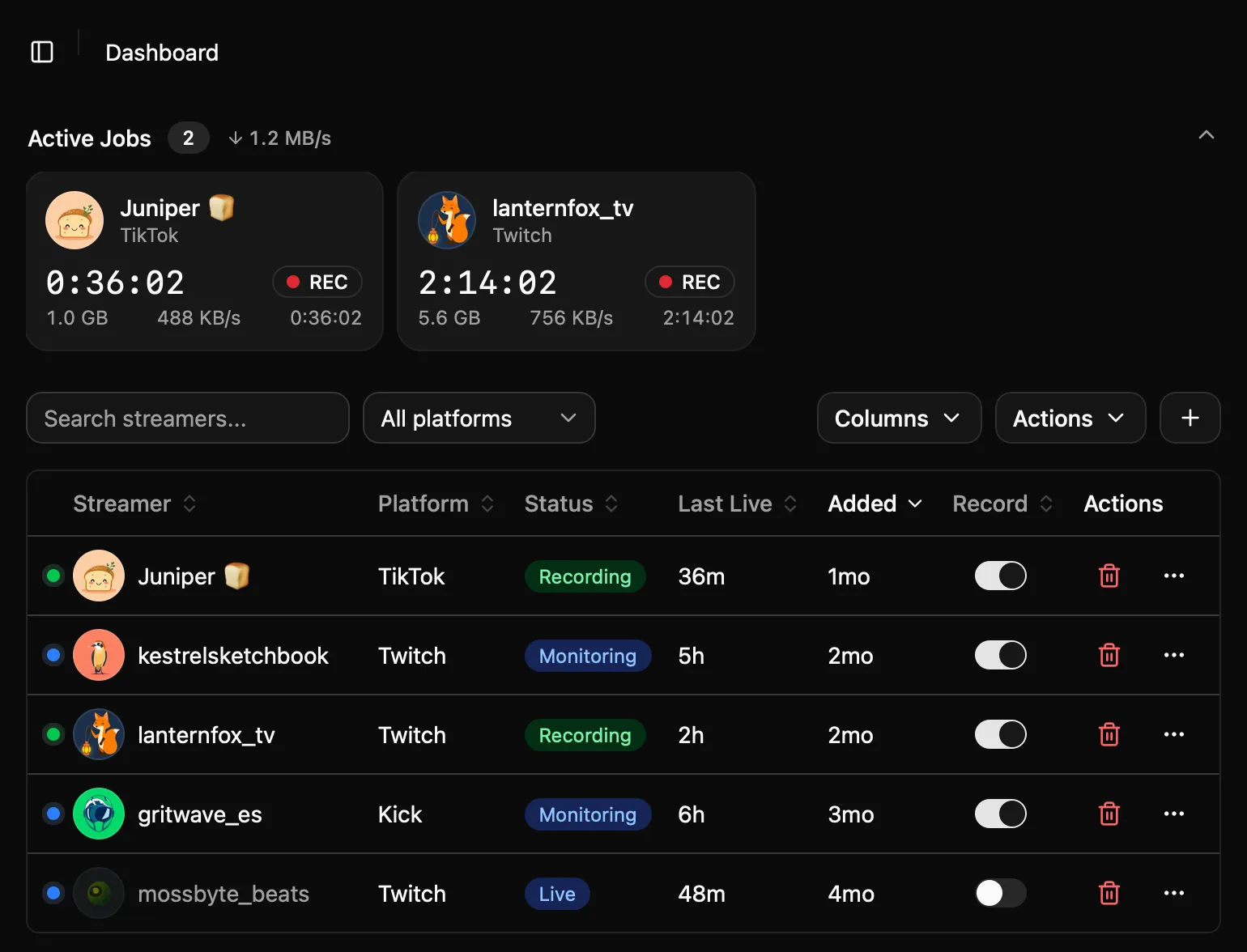
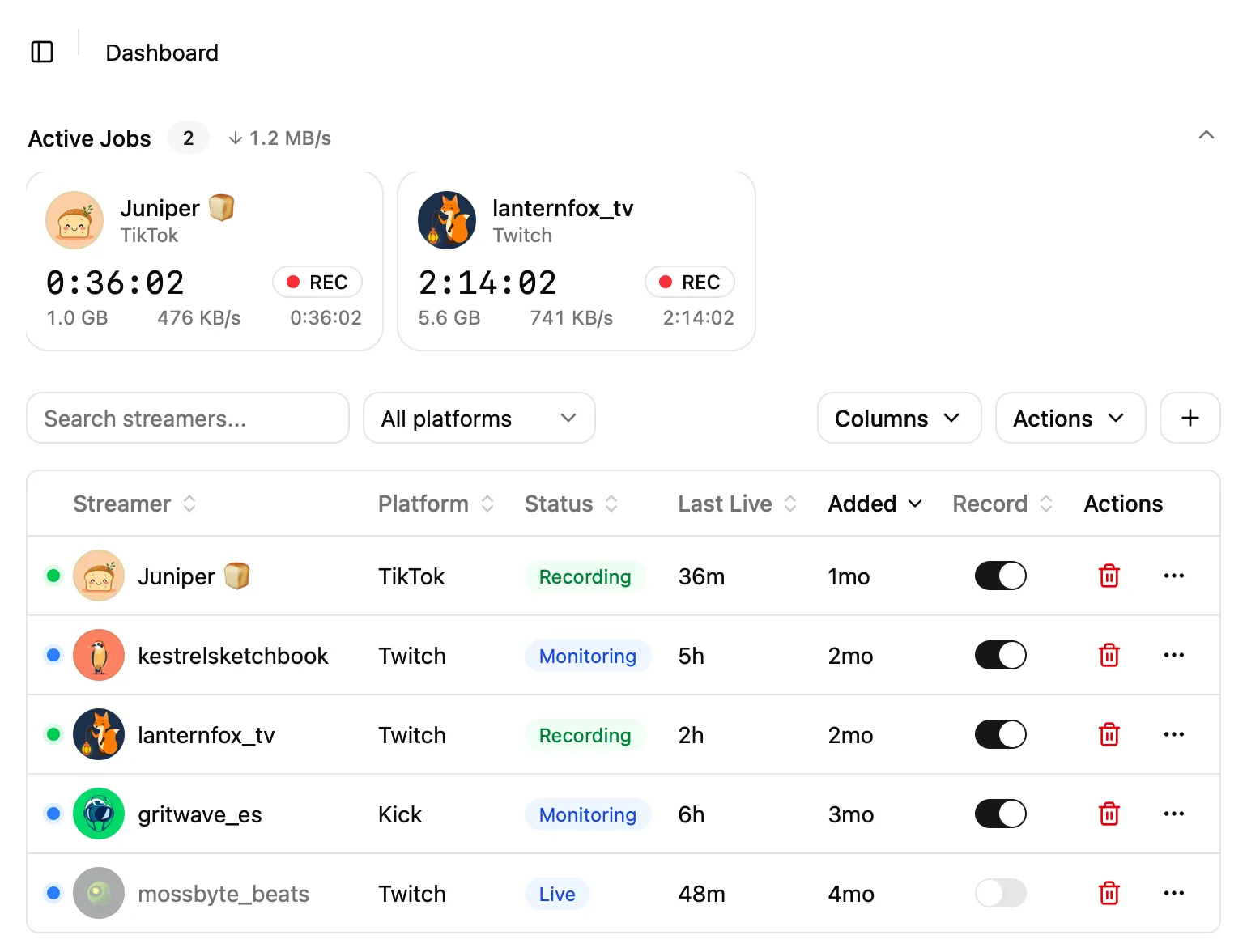
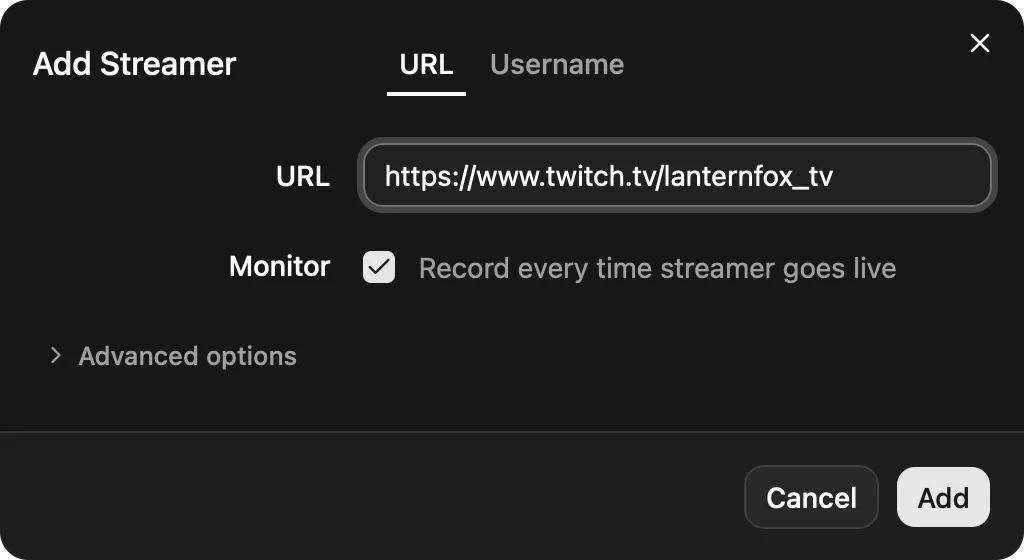
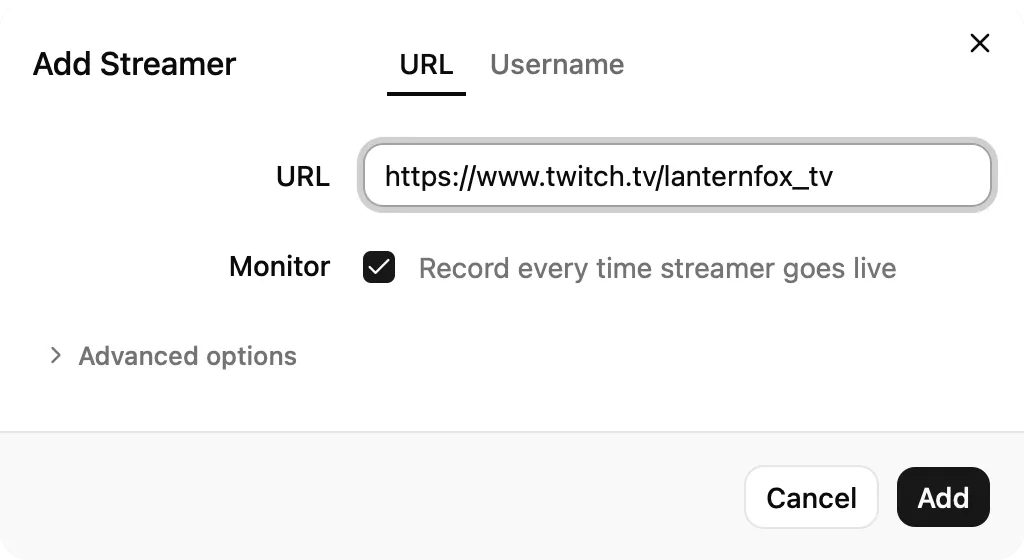
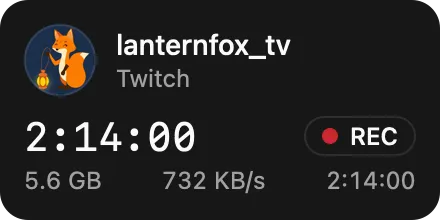
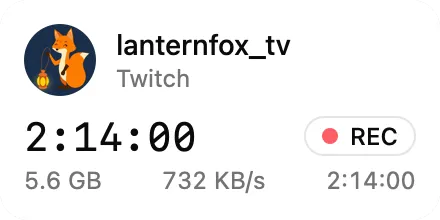
See who's live and what's recording, and switch recording on or off for each streamer.
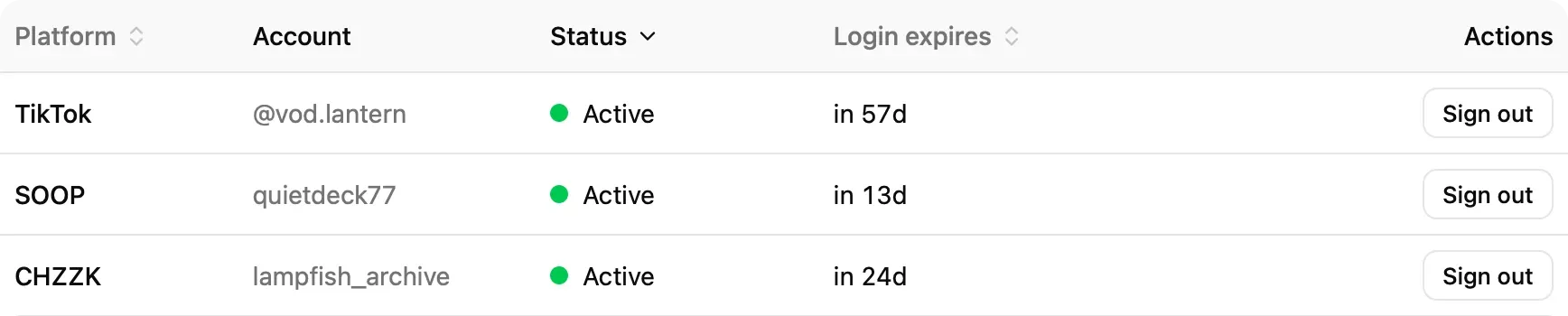
Sign in inside the app to record age-restricted and members-only streams. Your login stays encrypted on your computer.
How signing in works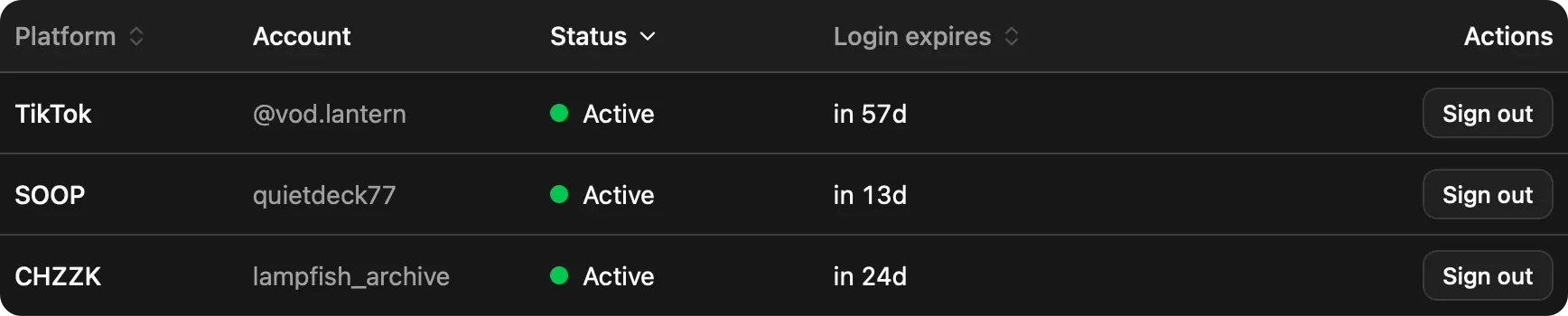
An app for macOS, Windows and Linux, the vod command line, or a Docker image with a web interface for a server or NAS.
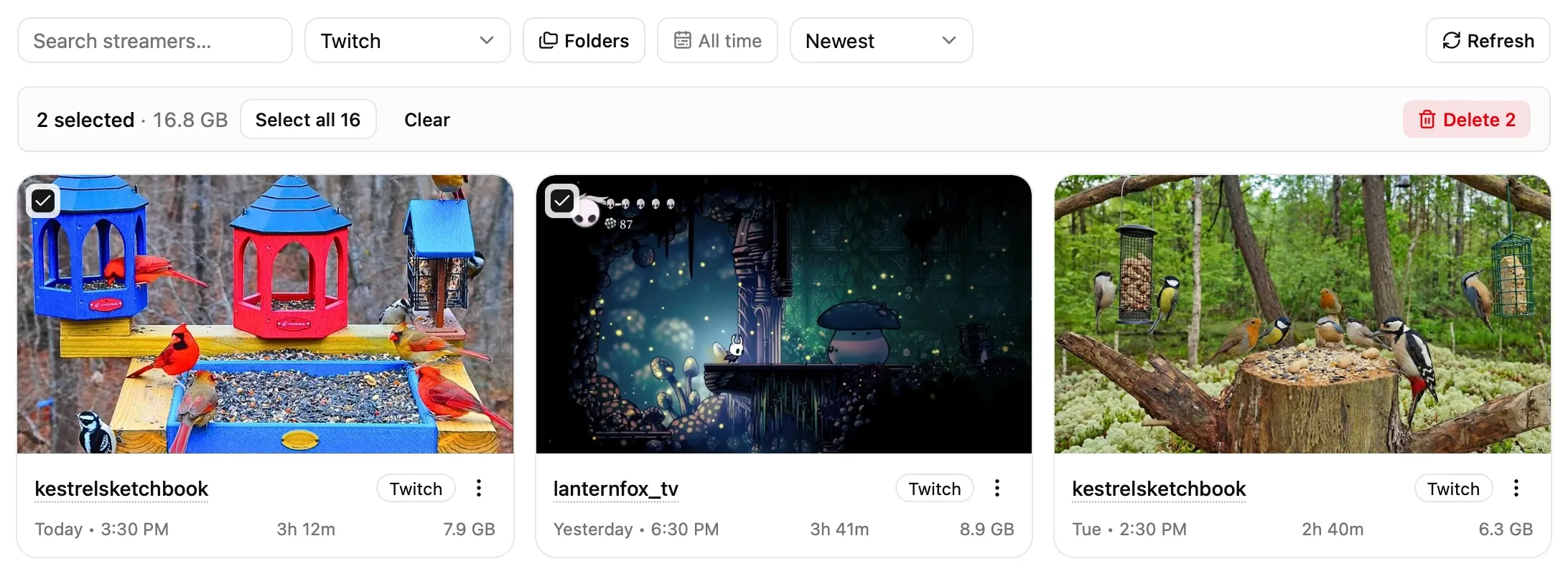
More about the command lineSearch by streamer, filter by platform, date or folder, and delete in bulk.
More about the VOD archive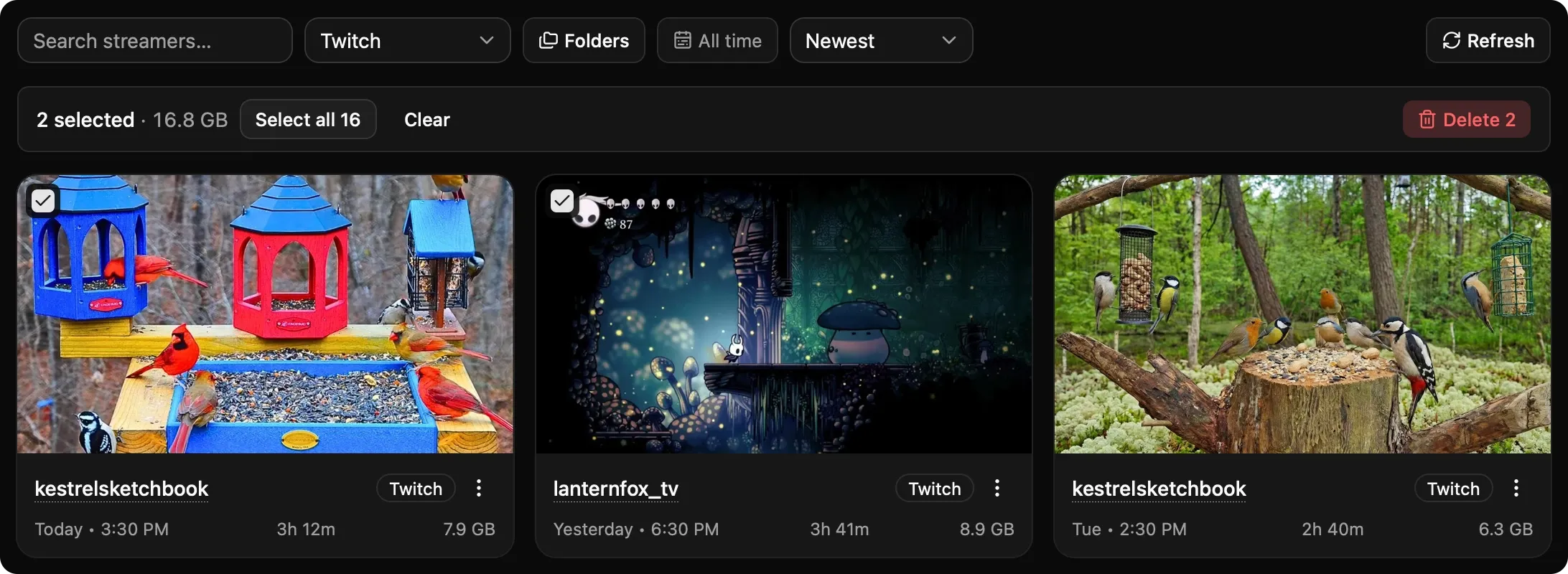
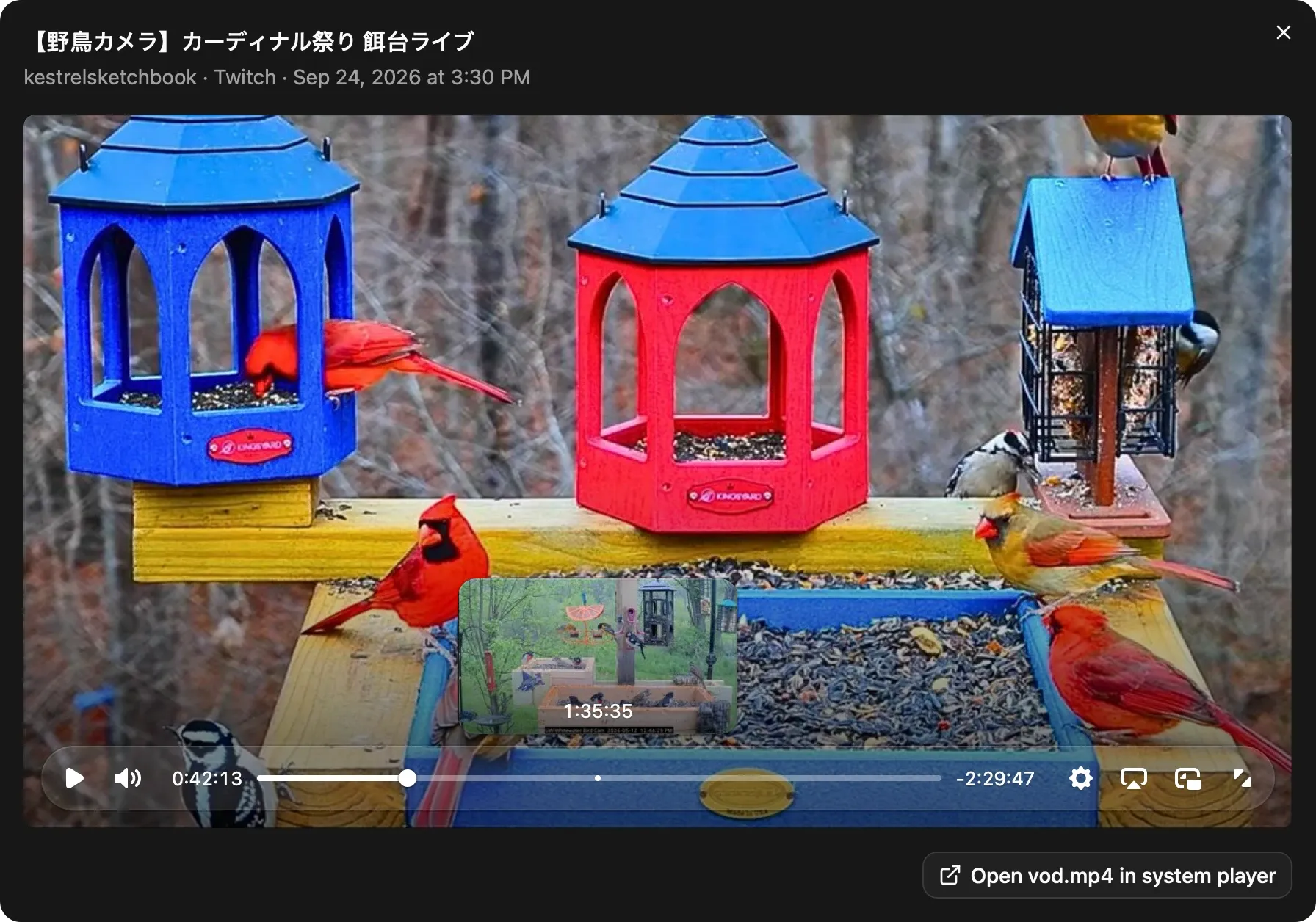
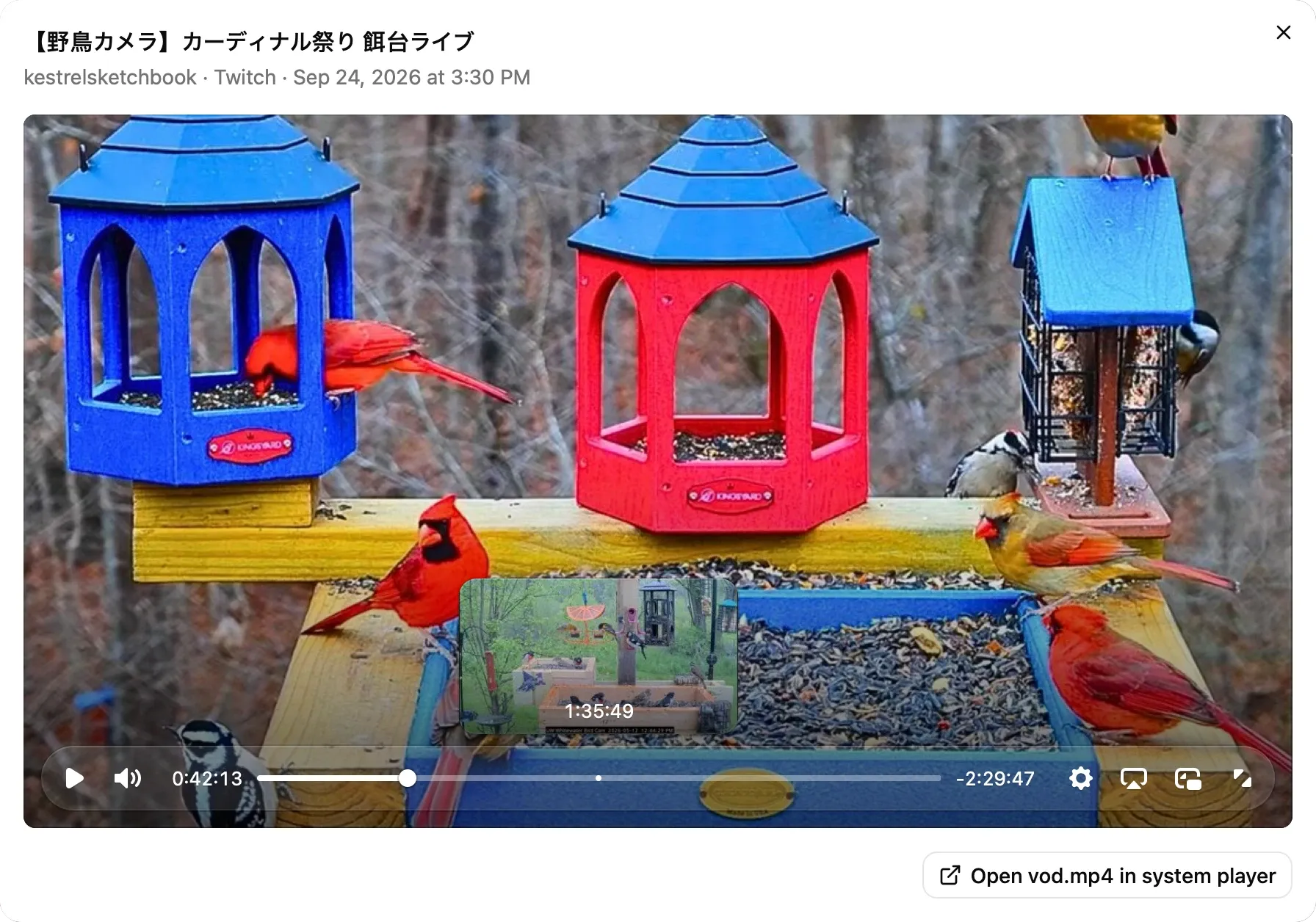
Play any recording in the built-in player, with a preview as you scrub.
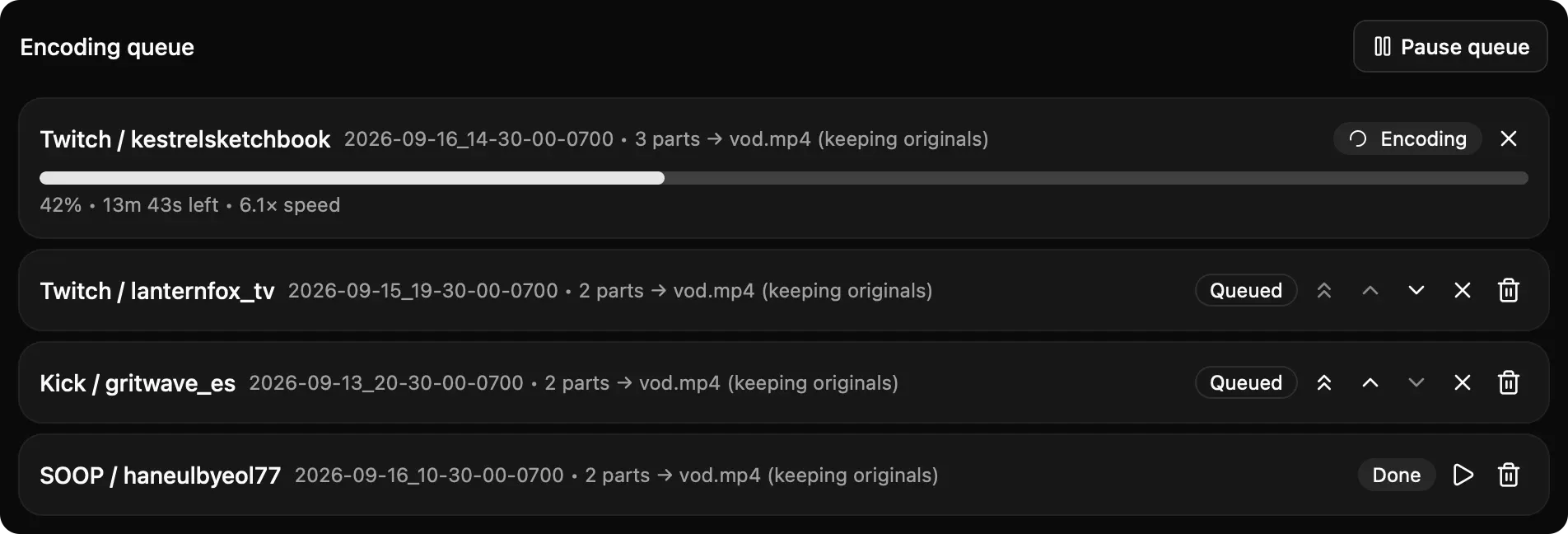
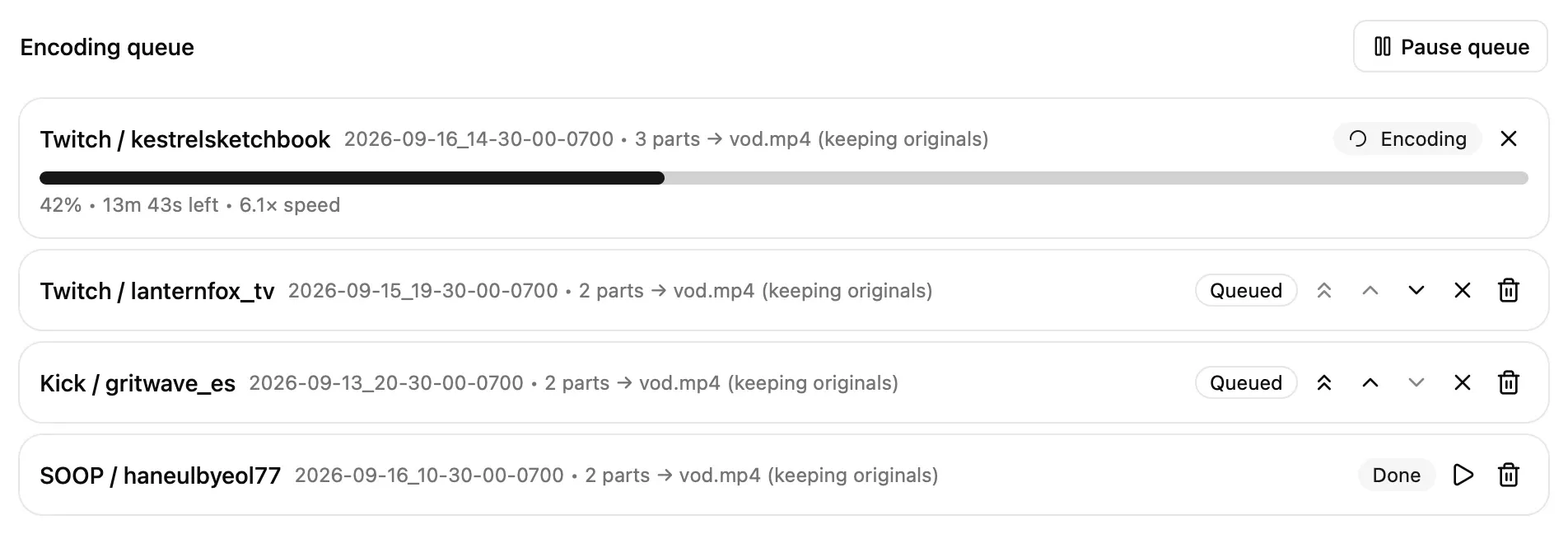
Join a broadcast saved in several files into one MP4. Merges wait in a queue and run one at a time.
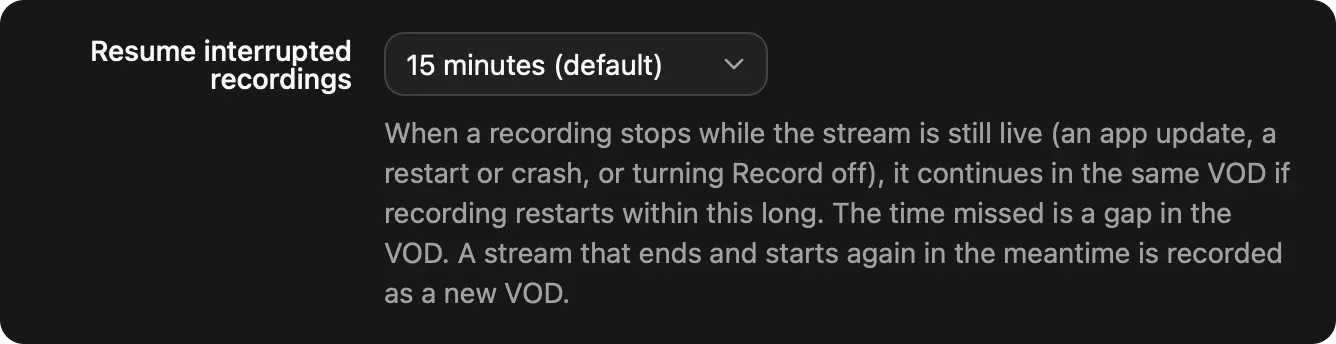
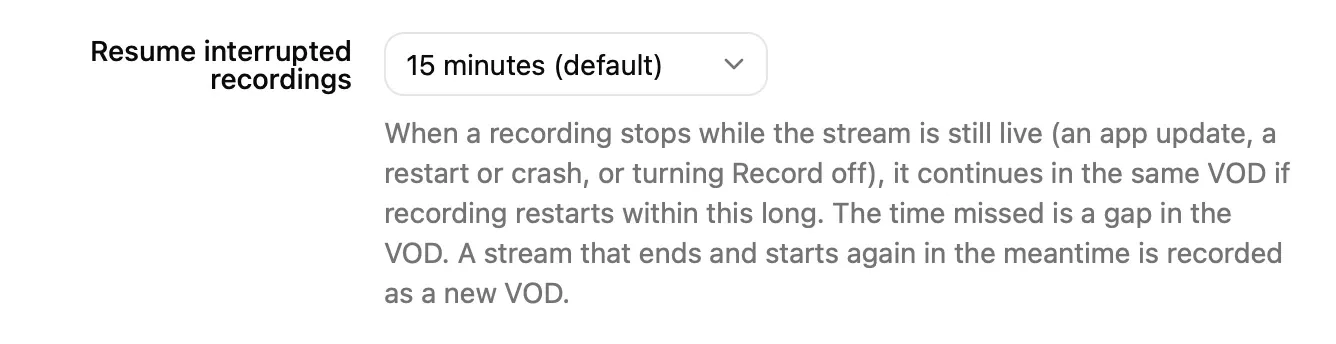
If the app restarts or crashes mid-stream, recording carries on in the same VOD when it's back within 15 minutes.
One command, no admin rights needed.
In a terminal, or in PowerShell on Windows.
curl -fsSL https://vodlabs.io/install.sh | shirm https://vodlabs.io/install.ps1 | iexvod streamer add https://www.twitch.tv/examplevod statusFor a server or NAS that stays on.
curl -fsSLO https://vodlabs.io/compose.yamlmkdir config recordings && docker compose up -ddocker compose exec recorder vod web url| VodLabs RecorderLocal | Cloud recordersTypical | |
|---|---|---|
| Price | Free | A small free tier, then $5 to $20 a month |
| Platforms | 56 | Usually 15 to 30 |
| Recordings kept | As long as your disk keeps them | 3 to 60 days, by plan |
| Quality | What the platform sends | 720p free; 1080p or 4K on paid plans |
| Streams that need an account | Yes, signed in with your own account | Usually not, on any plan |
| Where the video goes | From the platform to your disk | Their servers, then you download it |
| Records with your computer off | No. Run it in Docker on a server or NAS for 24/7 | Yes |
Cloud figures are the published plans of the largest cloud recorders, checked November 2026. Compare specific services.
Video never leaves your computer. VodLabs never receives your recordings or your logins.
VodLabs only watches the clock. It tells your recorder when someone you follow goes live.
That's how it stays free. Your recorder runs some of those live checks for other users, and theirs run some for you.
The macOS app is signed and notarized by Apple. The Windows installer isn’t code-signed yet, so Windows may warn you before it runs. The source code is public on GitHub, and the docs link to the code behind each thing the recorder sends.
It depends on the stream. A 1080p stream typically takes 1 to 3 GB per hour. The app warns you when the recording folder is running low, and can move finished recordings to an archive folder on another disk.
It is source-available: you can read, build and change the code, and share your changes, for noncommercial use. The licensing notes explain how to get a commercial license.
The recordings are other people’s broadcasts. Respect the creators’ rights and each platform’s terms when you keep or share them.